
Early Access

Meet Bobby — your AI sidekick for customizing Squarespace. Whether you need a quick Squarespace tip, CSS-based plugin, or a clever code solution, just ask Bobby and he’ll jump in to help.
Bobby Can Jump In To Help With
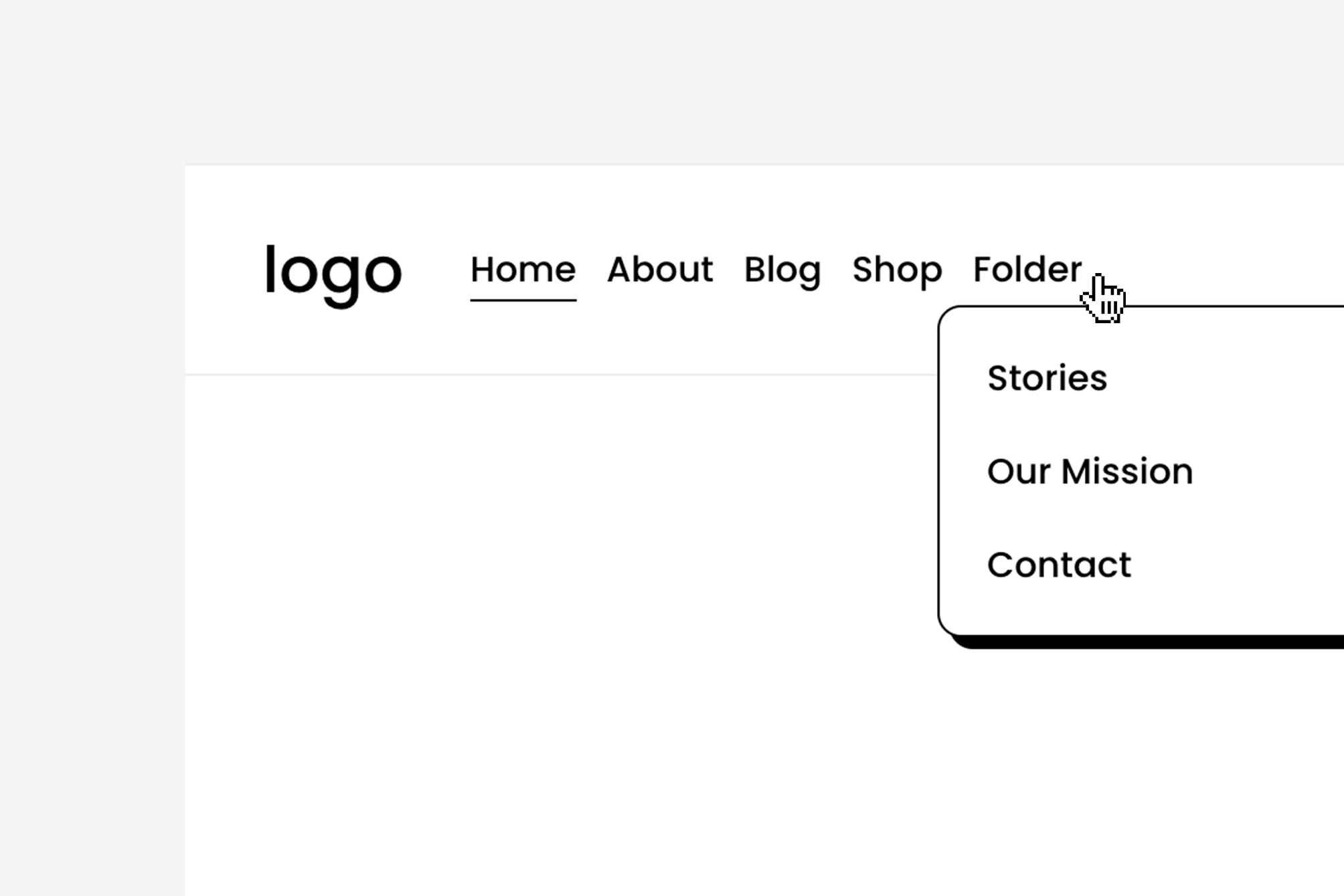
Design Tweaks and Plugins
With Bobby, you can target the right Squarespace elements and unlock styling that goes beyond built-in settings.
Ask Bobby:
“Add a gradient background to my header button.”
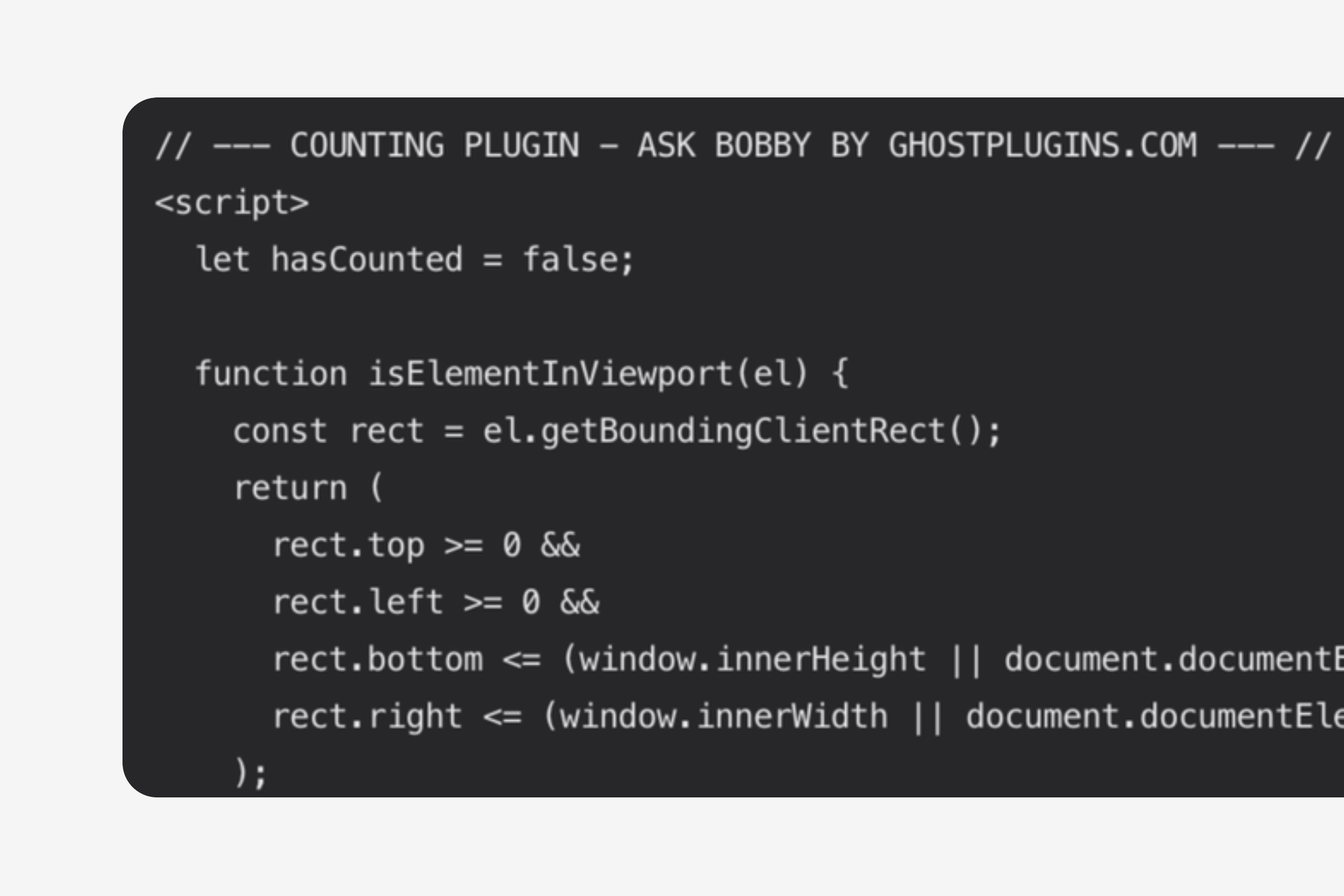
Your Own Super Plugins
Bobby can help build plugins using HTML and JavaScript to add bigger features (almost like our Super Plugins).
Ask Bobby:
“Make a digital clock plugin to add to a code block.”
Unlimited (Never Ending) Customizations
Bobby is here for unlimited questions and customizations — so you can keep experimenting, refining, and creating without limits.
I want to add a fun and interactive hover effect to the primary button block.
I want to add a secondary button to the left of the header button on desktop.
Create me a loading screen plugin that counts up from 0% to 100% on a 5 seconds timer.
Add a subtle tilted hover effect to both the header button and button blocks.
Help me add overlay to the bottom of my site that stays while you scroll.
How can I add a clickable button to the announcement bar?
Bobby is always learning, so answer accuracy is not guaranteed.
Additional Perks With Bobby
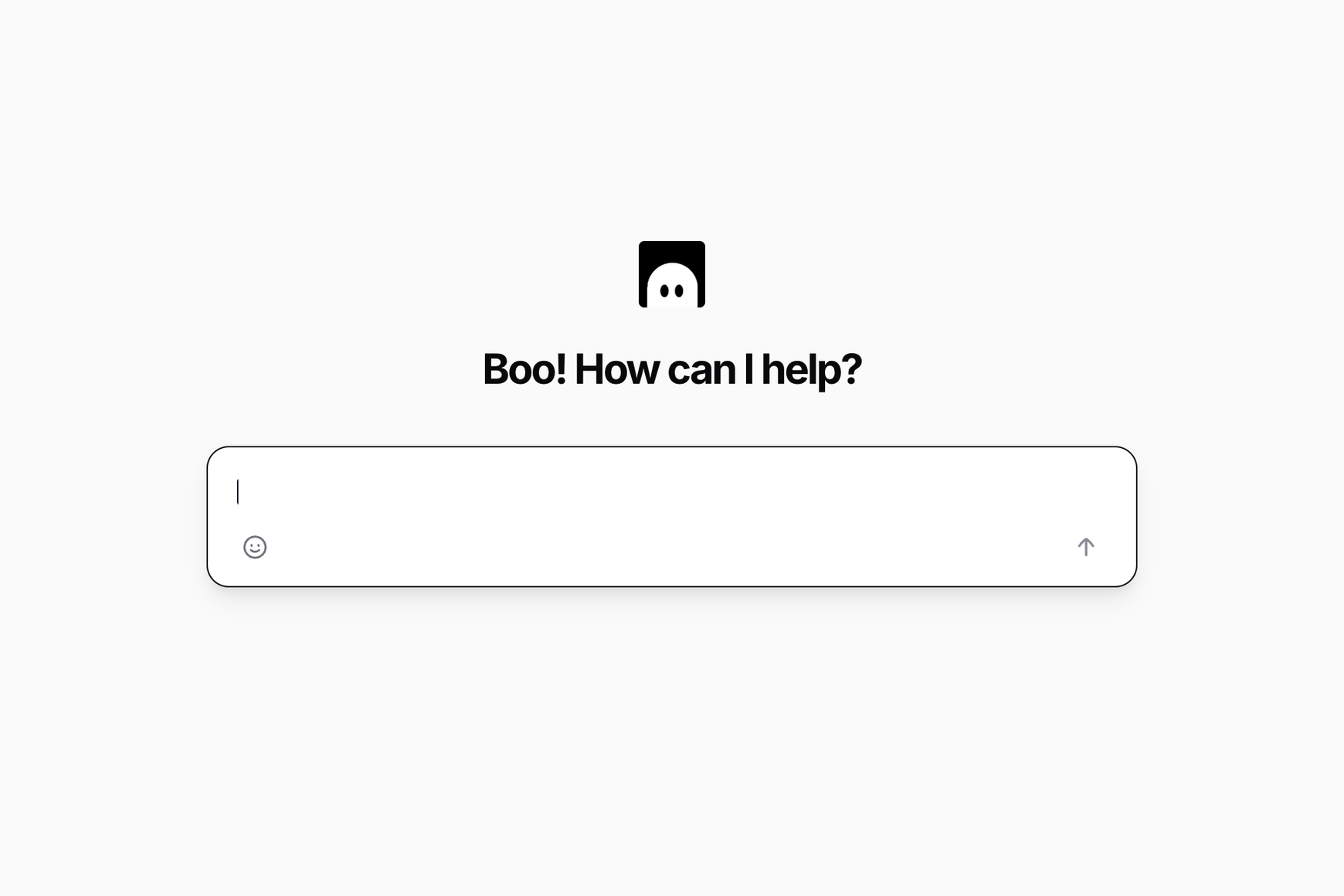
Full Screen Bobby Mode
Enjoy a dedicated space just for you and Bobby. A more open alternative to the floating Bobby you see on the site.
Earn with Bobby Rewards
Submit a Bobby-made plugin to the library and earn a $2 payout if it gets published. Just tell Bobby you want to submit the plugin and he'll share next steps.
Common Questions About Bobby
-
Bobby works best with clear, specific details. For the most accurate results:
Tell him exactly what you want done
Mention the block, section, or element
Say if the change is site-wide or just one page
Ask follow-ups if the first solution isn’t perfect
The more details you give, the faster and more accurate Bobby becomes.
-
Nope! Bobby isn’t an extension you embed into your site through Code Injection — he lives right here on Ghost Plugins, so you can chat with him anytime.
However, depending on the solution Bobby provides, some customizations may require a specific Squarespace plan to support certain features.
-
If that happens, try asking follow-up questions with more details. If that still doesn’t work, give the message a thumbs down 👎 to flag it for our dev team.
Bobby is always learning, so he can get it wrong sometimes. Your feedback helps him improve and become more accurate.
-
Design Extensions are great for quick, no-code tweaks, but they’re limited — and if their servers go down, your site can break.
Bobby 👻 is different. He gives you real code that lives on your site, so you’re not relying on third-party servers or fixed features. You get:
Unlimited customization
Real CSS/JS/HTML solutions
No risk of features disappearing
Real-time troubleshooting tailored to your site
With Bobby, your site stays fast, flexible, and fully in your control.

Have other questions? We’re happy to help! Send us a message.

Start Asking Bobby Pick a Plan
Pick a plan to unlock and start chatting with Bobby. Whether you need a quick Squarespace tip, CSS-based plugin, or a clever code solution, just ask Bobby and he’ll jump in to help.
Monthly
Yearly Save
⚠️ After joining, go to Login > Ask Bobby (Digital Products) to access.
Unlimited Access$99/year
Anytime access to Ask Bobby.
Unlimited Asks
Trained For Squarespace 7.1
Personal and Commercial License
Bobby Rewards
Site Widget Coming Soon
Full Screen Mode
Priority Support
Cancel Anytime
$10/month
Disclaimer: Bobby is powered by a custom AI model built using the combined strengths of OpenAI’s ChatGPT, Anthropic’s Claude, and Bobby’s own continuously expanding Squarespace-related knowledge base. While Bobby is trained specifically for the Squarespace platform, it is still an evolving system and may occasionally provide inaccurate or incomplete information. 100% accuracy in Bobby’s answers is not guaranteed.
If Bobby gets it wrong, flag it by clicking the thumbs down icon during your chat.